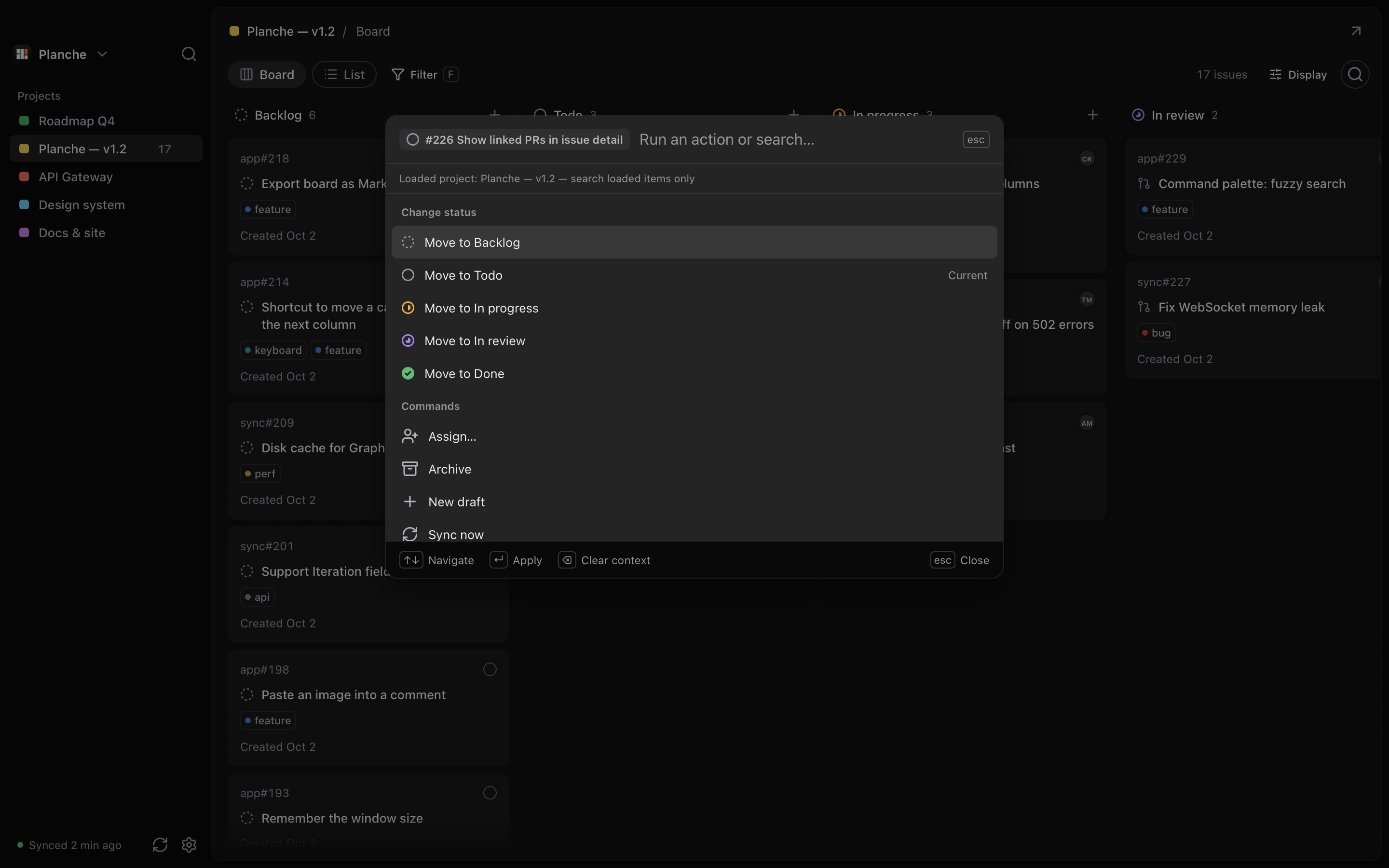
Command palette
Search the loaded project, change a selected card's status, assign someone, or create a draft with ⌘K.
 Public alpha · Built in the open
A macOS client for GitHub Projects. Move cards, change assignees, and search the project you have open. Cached boards stay available offline.
Alpha 3 · macOS 15+
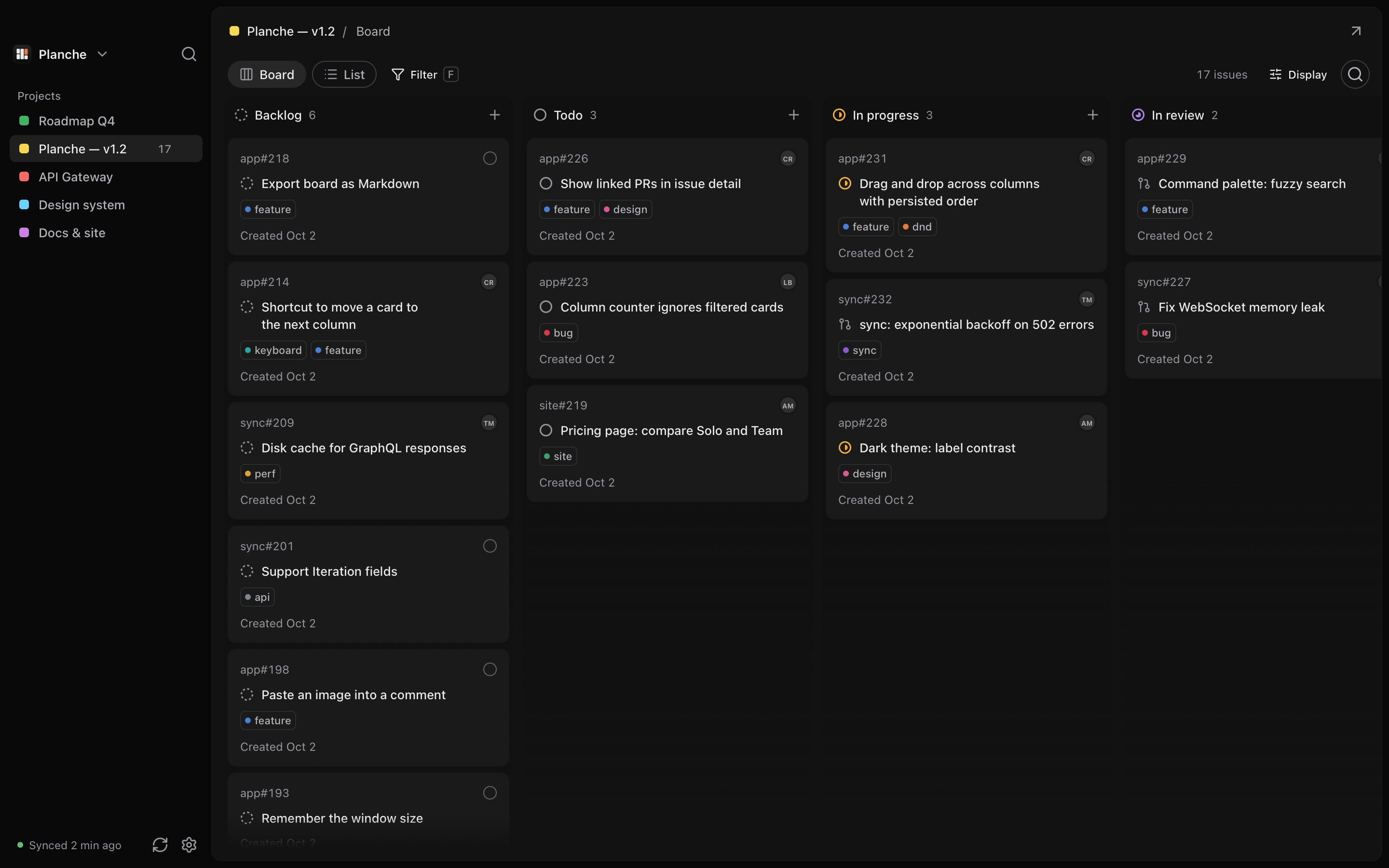
Boards you've opened stay available offline. Queued changes sync when GitHub is reachable.
J and K to navigate, S for status, and ⌘K to search the loaded project.
A dedicated macOS window, with light and dark themes and keyboard shortcuts.
Switch between board and list, move cards, and read issue descriptions without losing your place.
Search the loaded project, change a selected card's status, assign someone, or create a draft with ⌘K.
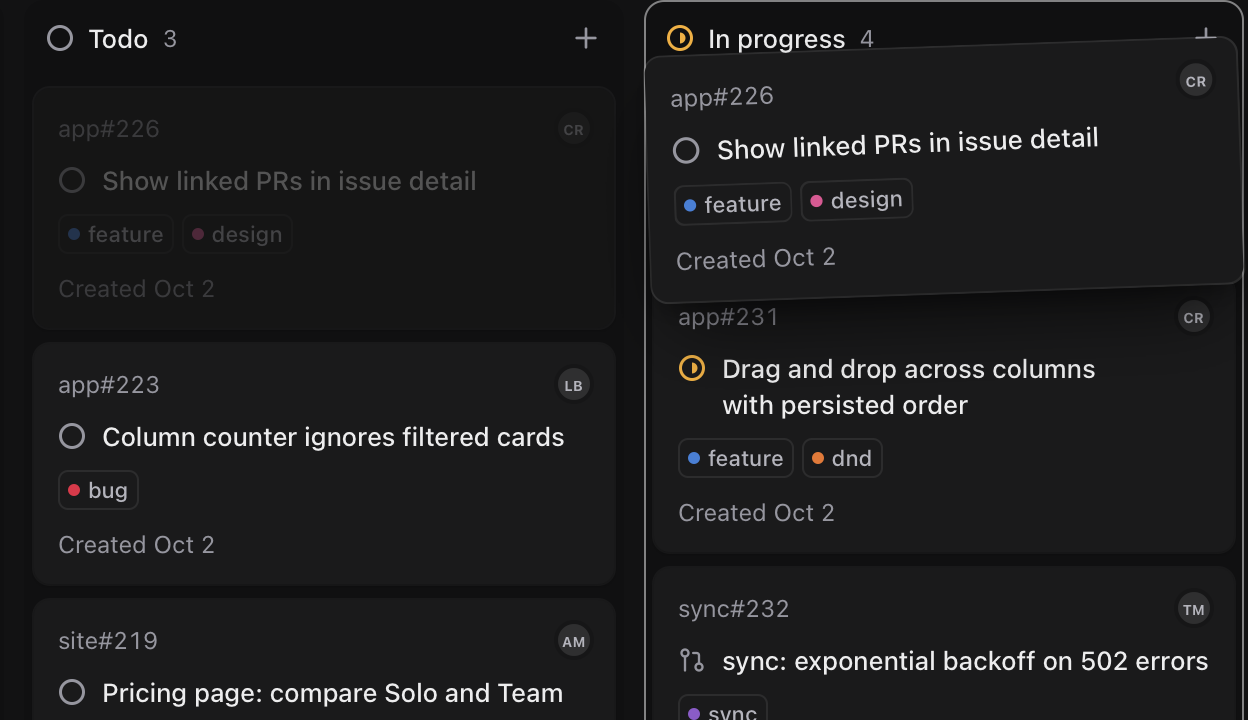
Drag between columns or use the keyboard. Moves are saved locally and synced when GitHub is reachable.
J and K to navigate, S for status, C for a draft. Press ? for all shortcuts.
Read Markdown descriptions and change status or assignees. Saved descriptions remain available offline.
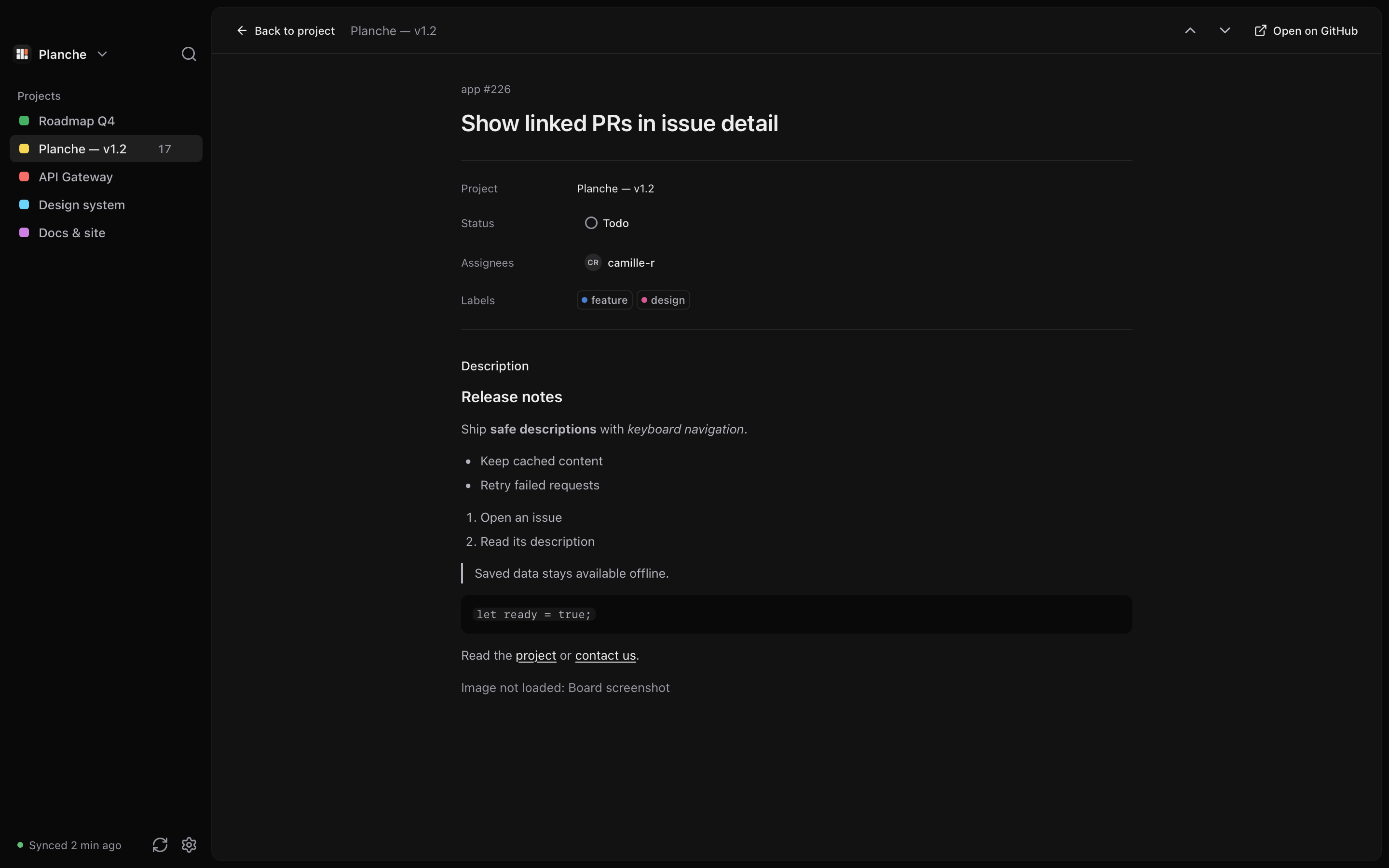
Planche is built in public on GitHub. Here are some recent improvements.
All releasesMore reliable card drops and scrolling, a refined command palette with shortcut hints, and clearer move and sync notifications. A sidebar indicator now makes updates available in one click.
The same issue keeps its shared content when it appears in several projects.
Sign in once; your session persists locally between launches.
Issue descriptions render as Markdown, safely sanitized.
Open any card as a full page, from the board or the list.
Filter by assignee, label and repository at the same time.
Try the alpha. Sign in with GitHub and choose a project. More workflows will follow as the app develops.
macOS 15+ · Read the installation notes before opening the alpha.